AWS Marketplace security is rarely discussed until something goes wrong. Teams love the Marketplace for good reasons. Billing goes through the AWS account, procurement moves faster, and software deploys straight into the cloud environment. But every “Subscribe” click also brings a new vendor, new code and new permissions into your AWS estate.
The Marketplace is a sales channel, not a security approval. This guide explains what AWS checks for you, what stays your responsibility, and the review every security team should run before a Marketplace product goes live.
Why AWS Marketplace Security Is a Governance Question
Buying through the Marketplace changes who is involved in a software decision. A cloud engineer with the right IAM rights can subscribe in minutes. The normal vendor review, legal check and security sign-off can be skipped without anyone noticing.
What AWS checks for you
AWS does run real checks on listings. AMI products must pass a scan for unpatched CVEs, known malware and basic security practices before AWS publishes them. AWS also keeps scanning existing listings. If a product falls out of compliance, AWS contacts the seller and may hide the product from new subscribers until it is fixed. SaaS listings must follow their own set of AWS guidelines.
What stays your job
AWS scans the product image. It does not decide what access that product gets in your account. It does not know which data the tool will touch, who owns it after rollout, or whether it is still needed a year later. Those decisions are yours.
| Area | AWS Marketplace | Your team |
|---|---|---|
| Listing review and image scanning | Yes | Verify it still fits your standards |
| IAM roles and permissions granted | No | Yes |
| Data the product can read or store | No | Yes |
| Vendor risk assessment | Partial, via Vendor Insights for some SaaS products | Yes |
| Inventory, ownership and renewal | No | Yes |
A Marketplace listing tells you the product passed AWS checks.
It does not tell you the product is safe in your account.
The Four Risks Behind a Fast Purchase
1. Over-permissioned deployments
Many Marketplace products ship with a CloudFormation template or a cross-account IAM role. Some ask for broad read access, or even admin rights, “to make setup easy.” Once deployed, that product becomes part of your trusted control plane. If attackers breach the vendor, they inherit your access path.
2. Weak vendor due diligence
A familiar billing page can create a false sense of trust. The vendor still needs the same review as any other supplier: security practices, data handling, incident history and support terms.
3. Shadow procurement
Because spend lands on the AWS bill, teams can buy tools without going through procurement. Security learns about the product only when it shows up in an audit, or in an incident.
4. No lifecycle owner
Teams deploy products for a pilot and never remove them. Their roles, keys and network paths stay active long after anyone remembers why.
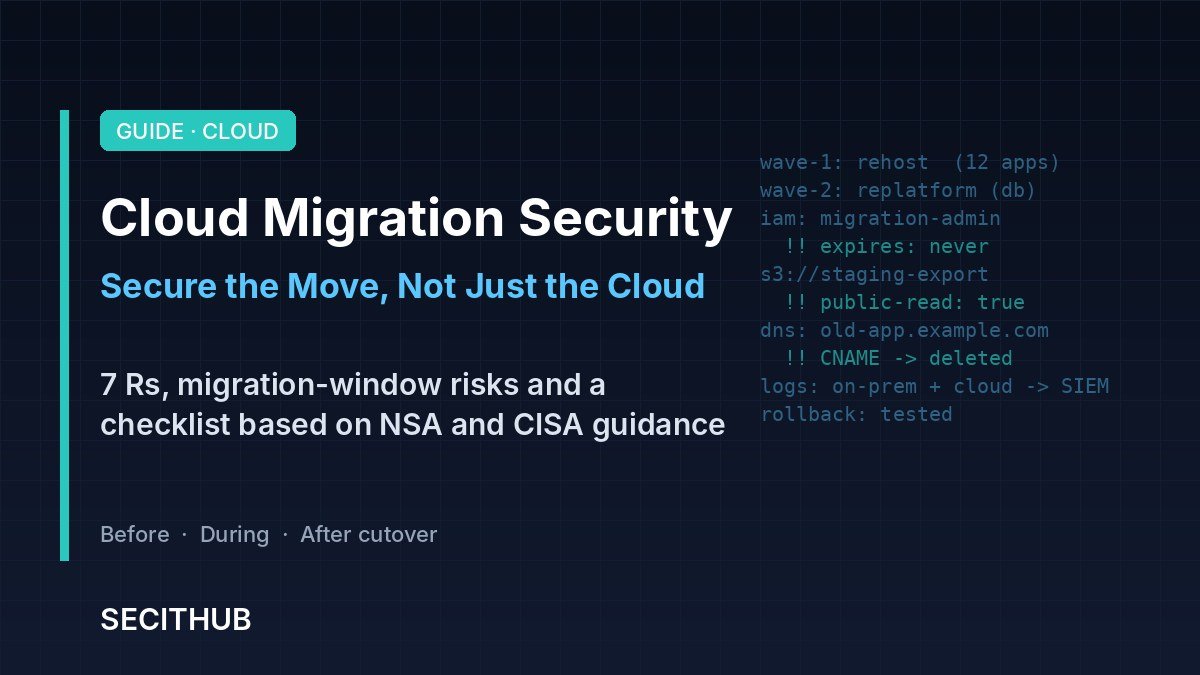
Software delivery channels are an attack surface in their own right. Package registries and plugin stores have both been abused to push malicious code to trusting users.
A Pre-Purchase Checklist for Marketplace Software
Run this review before the subscription, not after the deployment.
Ownership
- Who requested the product, and who owns it after rollout?
- Who approves the cloud permissions it needs?
- When will it be reviewed again, and who decides to remove it?
Permissions and deployment
- Read the CloudFormation template and every IAM policy before you launch it.
- Reject wildcard actions and admin rights unless there is a written reason.
- For cross-account roles, require an external ID and scope the trust to the vendor’s account.
- Deploy into a dedicated account or tightly scoped environment where possible.
Data and exposure
- Will the product be reachable from the internet?
- Which logs, buckets, databases or secrets can it read?
- Does any data leave your account to the vendor’s environment?
Use the tools AWS already gives you
For many SaaS products, AWS Marketplace Vendor Insights shows a security profile based on the vendor’s self-assessment, its ISO 27001 and SOC 2 Type II reports, and data from its production accounts. It can also alert you when a vendor’s certification expires. A Private Marketplace lets you limit purchases to products your team has already approved, which closes the shadow procurement gap.
Mapping AWS Marketplace Security to NIST and CIS
Marketplace governance fits into frameworks you probably already use. One common mistake is worth flagging. Many guides still cite NIST SA-12 for supply chain protection, but that control was withdrawn in NIST SP 800-53 Rev. 5. Its content moved to the new Supply Chain Risk Management (SR) family.
| Framework | Control | How it applies |
|---|---|---|
| NIST 800-53 Rev. 5 | SR-3, SR-5, SR-6 | Supply chain controls, acquisition strategy and supplier assessments |
| NIST 800-53 Rev. 5 | CM-8 | Inventory of every Marketplace product and where it runs |
| NIST 800-53 Rev. 5 | AC-6 | Least privilege for the roles products receive |
| NIST 800-53 Rev. 5 | IA-5 | Lifecycle of keys and tokens the product uses |
| CIS Controls v8 | Control 2 | Inventory and control of software assets |
| CIS Controls v8 | Controls 5 and 6 | Account and access control management |
| CIS Controls v8 | Control 15 | Service provider management |
SECITHUB Take
AWS Marketplace is a smart way to buy software, and for many vendors it is now the main route to enterprise customers. The fix is not to block it. The fix is to give it the same gate as any other purchase: one owner, one permission review, and one place where every subscription is listed. Teams that do this get the speed of the Marketplace without inheriting a vendor’s blast radius.
Buy fast if you want.
But never grant access faster than you can review it.
How does your team approve Marketplace purchases today?
Share your process at r/secithubcommunity
AWS reviews and scans Marketplace listings. AMI products must pass checks for known vulnerabilities and malware, and AWS scans listings again over time. But AWS does not control the permissions, data access or lifecycle of a product in your account, so you still need your own security review.
Vendor Insights is an AWS Marketplace feature that shows a security profile for many SaaS products. It draws on the vendor’s self-assessment, ISO 27001 and SOC 2 Type II reports and data from its production accounts, and it can alert you when a certification expires.
Over-permissioned deployments. Many products ship with IAM roles or CloudFormation templates that request broad access. If no one reviews those permissions, the product becomes a privileged path into your AWS environment.
Use a Private Marketplace to limit purchases to approved products, restrict who has subscription rights in IAM, and require an owner and security review before any new subscription.
No. SA-12 was withdrawn in NIST SP 800-53 Rev. 5 and its content moved to the Supply Chain Risk Management (SR) family. Use controls such as SR-3, SR-5 and SR-6 instead.
Confirm an owner, read every IAM policy and template, scope cross-account roles with an external ID, check internet exposure and data access, and add the product to your software inventory.
Sources
AMI-based product requirements for AWS Marketplace – AWS Documentation
AWS Marketplace Vendor Insights – AWS Documentation
SaaS product guidelines for AWS Marketplace – AWS Documentation