Cloud migration security is where many cloud projects quietly fail. Teams plan the move carefully: which apps go first, which database moves when, how long the cutover takes. Security often gets a single line in the plan. Yet the migration window is one of the riskiest moments in an IT environment’s life. Two environments run side by side, temporary admin access is everywhere, and data travels between them.
This guide looks at cloud migration from a security angle. It covers the 7 Rs strategy model, the risks unique to the move itself, and a practical checklist based on joint NSA and CISA cloud guidance.
Pick the Right Path: The 7 Rs of Cloud Migration
Not every workload should move the same way. AWS documents seven migration strategies, known as the 7 Rs. Many older guides still list six, because Relocate was added later.
| Strategy | What it means | Security angle |
|---|---|---|
| Retire | Turn off what you no longer need | Smallest attack surface of all |
| Retain | Keep it where it is for now | Still needs patching and a review date |
| Rehost | Lift and shift with minimal changes | Old weaknesses move with the app |
| Relocate | Move a platform as is, such as VMware workloads | Same as rehost, at hypervisor level |
| Replatform | Small changes, such as a managed database | Gains provider-managed patching |
| Repurchase | Replace the app with SaaS | Shifts risk to vendor review and identity |
| Refactor | Re-architect for cloud-native design | Best long-term posture, highest effort |
Lift and shift moves your problems too
Rehosting is fast, and for large migrations it is often the right call. AWS itself advises against refactoring during large migrations, because it mixes modernization with the move. But an unpatched server with weak passwords stays unpatched with weak passwords after it lands in the cloud. Now it may also be one misconfiguration away from the internet.
Every migration is a chance to retire risk.
Lift and shift without cleanup just gives old risk a new address.
The Security Risks Unique to the Migration Window
Most cloud security advice covers steady state. These risks show up specifically during the move.
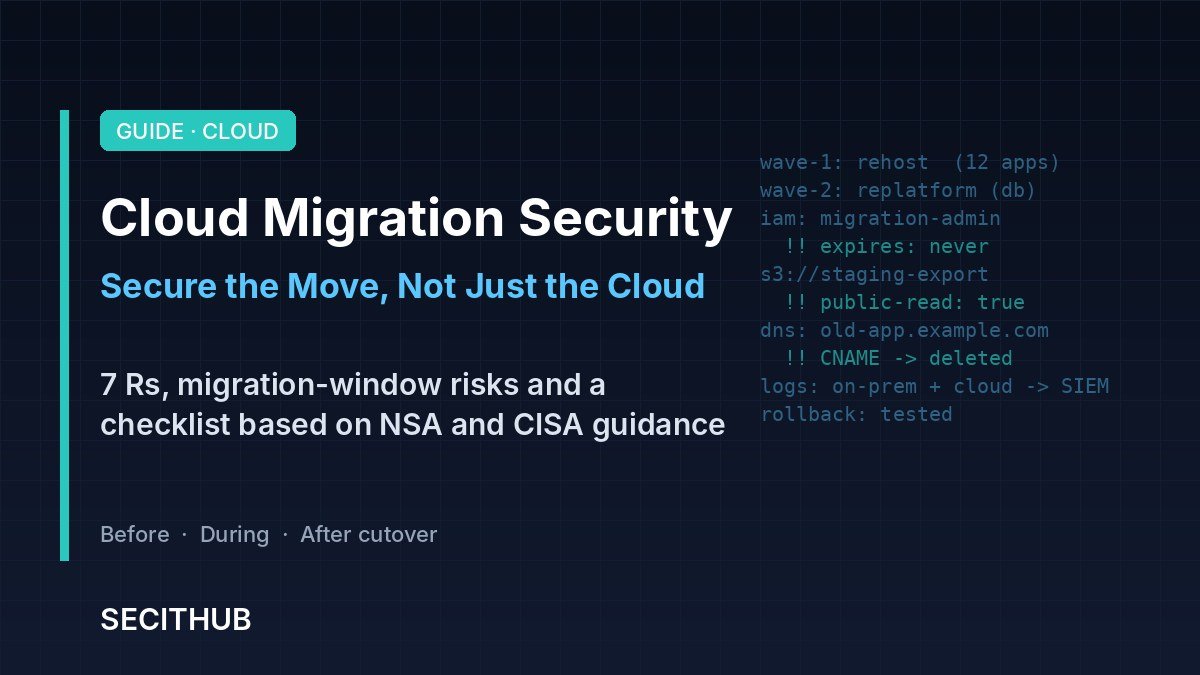
Temporary access that becomes permanent
Migration teams, partners and tools get broad admin rights “just for the project.” Those rights rarely get removed when the project ends. Months later, they are still there.
Two environments, half the visibility
During the move, data and users live in both places. Logging, alerting and backups often cover the old environment well and the new one poorly, or the reverse. Attackers do not care which side is “official.”
Data in motion and forgotten copies
Large data transfers create staging buckets, export files and test copies. These are easy to misconfigure and easy to forget. After cutover, old on-premises copies and decommissioned servers may still hold sensitive data.
Misconfiguration at scale
Infrastructure as code lets you build fast. It also lets one bad template open storage or ports across dozens of resources at once.
Dangling DNS after cutover
When services move, old DNS records often stay behind and point to resources that no longer exist. If someone else can claim those resources, they can take over your subdomain.
A Cloud Migration Security Checklist
In 2024, the NSA, with CISA as partner on most of the list, published ten cloud security mitigation strategies. The first is upholding the shared responsibility model. Customers often assume the provider handles security it does not. The checklist below applies that guidance to the migration itself.
Before the move
- Map every workload, its data and its dependencies, then pick one of the 7 Rs for each.
- Write down who secures what under the provider’s shared responsibility model.
- Classify data and confirm residency, retention and compliance needs.
- Build a secure landing zone first: account structure, identity, logging and network guardrails.
During the move
- Grant migration access just in time, with MFA, and give every grant an end date.
- Encrypt data in transit and at rest, and manage keys centrally.
- Scan infrastructure-as-code templates before deployment.
- Send logs from both environments to one place, so nothing falls between them.
- Move in phases, with a tested rollback plan for every wave.
Logging both sides is not optional. Read: SIEM vs SOAR | Which One Your SOC Needs First
After the move
- Remove all temporary roles, keys and partner access.
- Securely wipe and decommission old servers, staging buckets and exports.
- Clean up DNS records that point to retired resources.
- Turn on posture monitoring to catch configuration drift.
- Set up isolated, immutable backups in the new environment and test a restore.
Cost, Lock-In and the Questions to Ask Your Partner
Cost is a security issue too
Cloud savings are not automatic. Oversized instances, forgotten resources and data transfer fees add up fast. Unused resources are also unmonitored resources. Set budgets and alerts, tag everything with an owner, and review bills monthly.
Questions for a migration partner or MSP
- Which accounts and permissions will your team use, and when will you remove them?
- How do you protect data during transfer, and who holds the keys?
- What is the rollback plan if a wave fails?
- How do we export our data and configurations if we change providers later?
SECITHUB Take
Cloud migration projects are usually measured by speed and cost. Security should be a third success metric, measured on the day after cutover: no leftover admin roles, no orphaned data, no dangling DNS, and full logging on day one. The migration itself is the best chance you will get to retire old systems and old risk. Teams that treat the move as a clean-up project come out stronger. Teams that only lift and shift just move their problems somewhere more expensive.
Move fast if you must.
But clean up before you call the migration done.
What was the biggest security surprise in your last cloud migration?
Share it at r/secithubcommunity

Cloud migration security means protecting data, identities and systems while workloads move to the cloud, and making sure the new environment is secure from the first day. It covers access during the project, data transfer, logging across both environments and clean-up after cutover.
The 7 Rs are retire, retain, rehost, relocate, replatform, repurchase and refactor. AWS uses them to describe the different ways a workload can move to, or stay out of, the cloud.
Lift and shift is fast, but it moves existing weaknesses with the application. Unpatched software, weak passwords and broad permissions remain, so you still need hardening and a security review after the move.
Common risks include temporary admin access that is never removed, gaps in logging between old and new environments, misconfigured storage, forgotten data copies and dangling DNS records after cutover.
The shared responsibility model defines which security tasks the cloud provider handles and which belong to the customer. Providers secure the underlying infrastructure, while customers secure their identities, data, configurations and workloads.
Remove temporary access, securely decommission old servers and staging data, clean up DNS records, enable continuous posture monitoring, and set up and test isolated backups in the new environment.
Sources
About the migration strategies (7 Rs) – AWS Prescriptive Guidance
NSA Releases Top Ten Cloud Security Mitigation Strategies – NSA